Create a blank invoice (fixed fees, products, one-off work)
For a fixed fee, a deposit or anything not tracked as time, start a blank invoice and type the lines yourself.
Who can do this: Admins and managersUpdated · 2 min read
Step 1: Go to Invoices and click + New invoice.
Step 2: Choose the Client and select Blank invoice.
Step 3: Check the dates, terms, taxes, subject and notes, and click Create draft. You land on Edit draft with one line, Services, at a price of zero.
Step 4: Fill in that line: choose Service or Product, and type the Description, Qty and Unit price. Click + Add line for more lines. The Amount and totals update as you type.
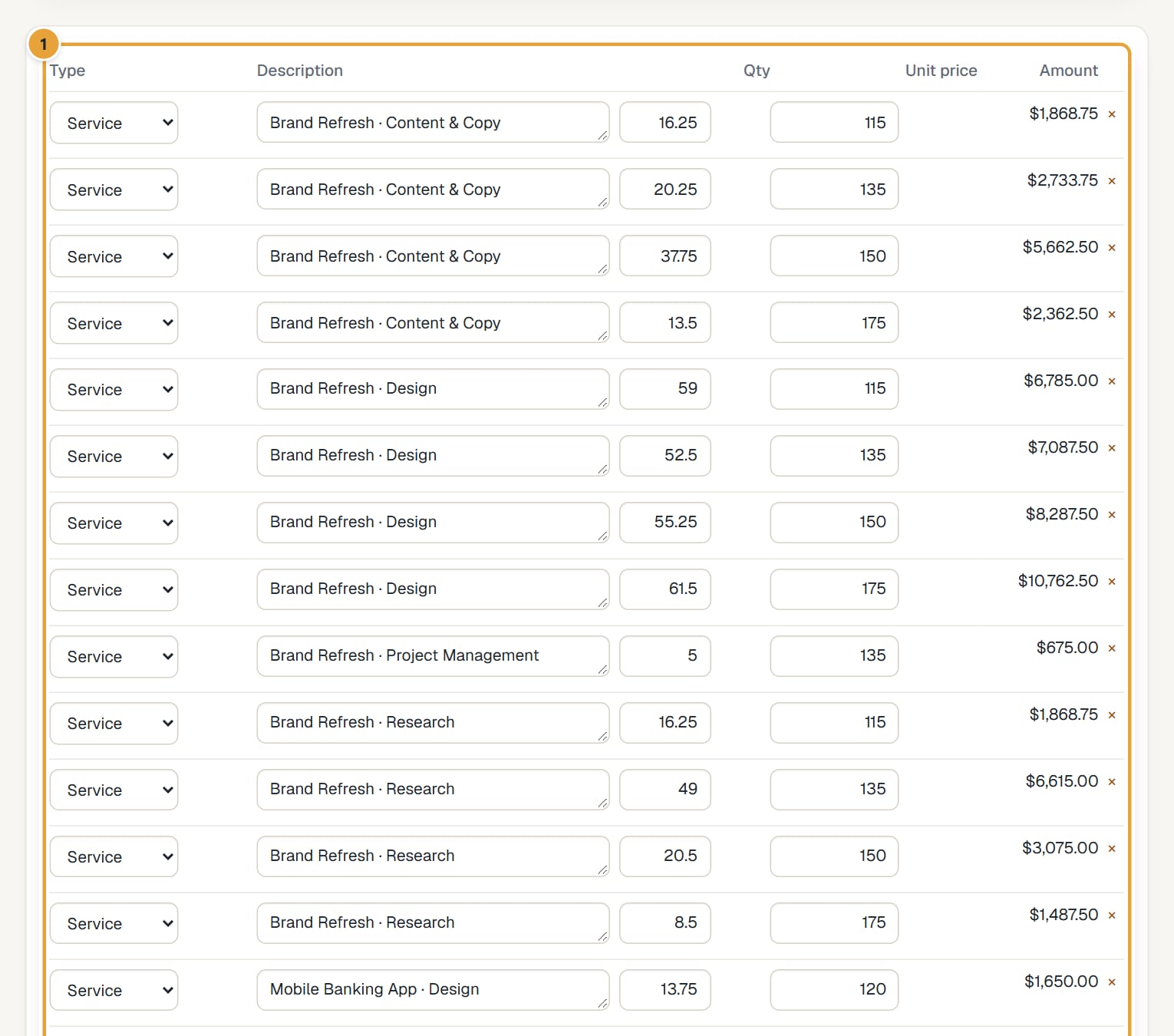 (opens the full-size image)
Step 5: Click Save draft. Then issue it: Issue and send an invoice.
Blank invoices don't touch any time entries, so they don't change the Uninvoiced report.
Common problems
"An invoice needs at least one line."
Add a line before saving.
Didn’t find what you needed?
Ask in Help inside the app, or email [email protected]. We aim to reply within 2 business days.